

Travelia Partner Support
Discover step by step how to get the most out of the Travelia app. From inviting your client to sending push notifications and creating knowledge items. In these short videos, we explain it simply. Choose a category and view the explanation you need right away.
Functionalities
Invite your customer
When does your customer receive an invitation to download the app? In this video, we show you how to set your preferred time for sending.
Add extra passengers
If an additional traveler wants to log in to the app with their own email address, you can add them manually. We show it in the video.
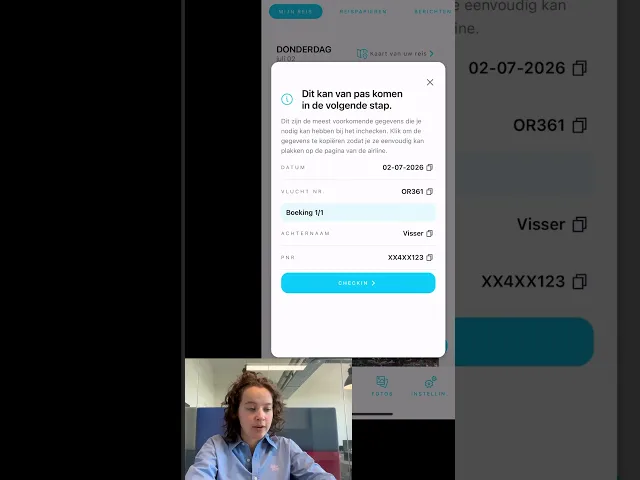
Schedule messages
It is possible to send automated messages to your customer. For example, about the validity of travel documents or required vaccinations. In the video, you will see how to create and set up a push notification.

Travel specialist information
Add a photo, contact details, and opening hours. Watch the video to see how to enter and modify the travel specialist's information.
Add accommodation
You can add an accommodation yourself in the CMS (if your system is not linked), so your customer has all the information complete in their timeline in the app.
Create knowledge item
It is possible to provide your own knowledge items to the Virtuepe assistant. In this video, we will show you how this works.
Add location images
Want to provide an extra experience? Add location images in the CMS. It is possible to show a specific photo for each trip or destination in the app.
Create a sight or must-see as a tip
At "Discover" in the app, your customer receives fun tips about what to do in that area.
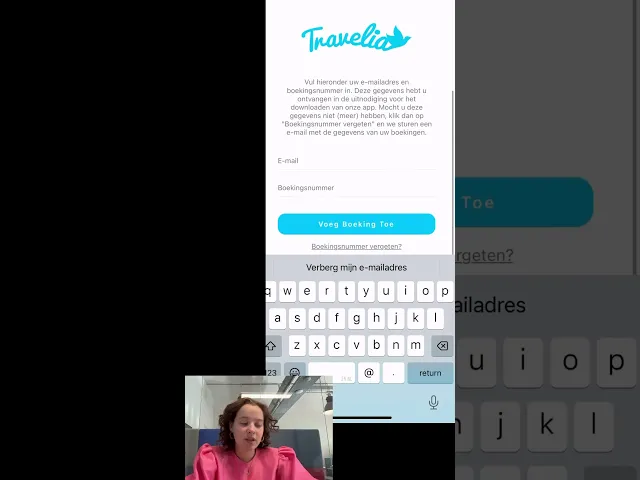
Ben je je boekingsnummer vergeten?
Wil je inloggen in de app, maar ben je je boekingsnummer vergeten? Ik laat je graag zien wat je dan kunt doen.
Hoe verwijder ik een reis in de app?
Wil je een reis verwijderen uit de app, omdat deze wellicht geannuleerd is of al voorbij is? Bekijk de video hoe je dit eenvoudig kunt doen.
Tijdens je reis
Resetting 2FA for logging in
Are you having trouble logging in and want to reset the 2FA for an employee? Then check out this video.
Canceling a booking in the app
Watch the instructional video on how to cancel a booking in the app.
Berichten van je reisorganisatie
Jouw reisorganisatie kan jou pushberichten sturen. In deze video leg ik uit waar je deze terug kan vinden.
De app gebruiken als je op groepsreis gaat
Als je op reis gaat met een groep, heeft de app een speciale pagina 'Groepen'. In deze video leg ik daar alles over uit.
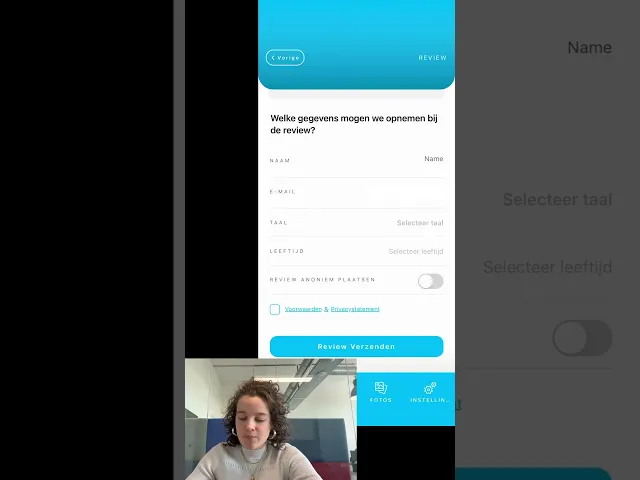
Manually send your customer a new invitation
Do you want to send your customer another invitation to log in to the app?
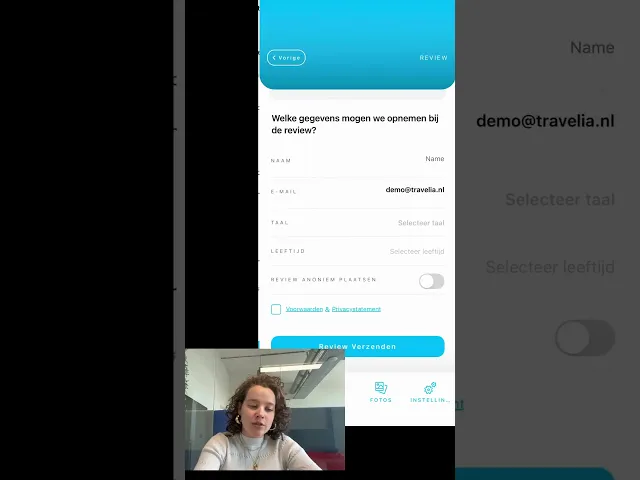
Reseller email addresses
What is a reseller email address and how do you enter it? Watch this in the video.
Global internet with Hubby eSIM
Als je op reis gaat buiten Europa kan je gebruik maken van Hubby voor internet. Travelia heeft een samenwerking met Hubby, zodat je dit direct vanuit de app kan activeren.
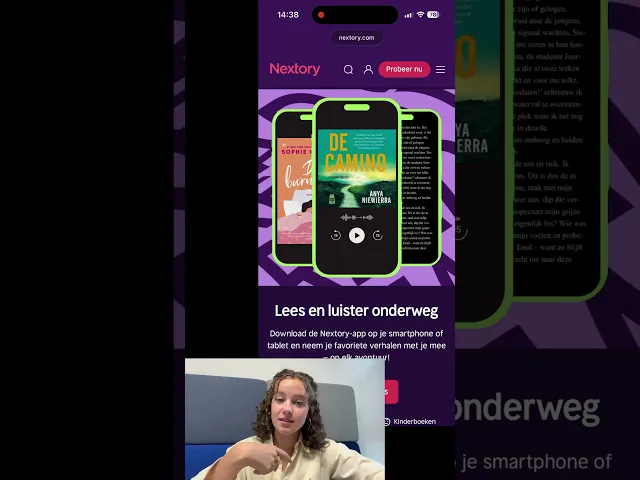
Nextory: reading and listening on the go
Travelia has a partnership with Nextory. What is Nextory and where can you find Nextory in the app? In this video we will explain.
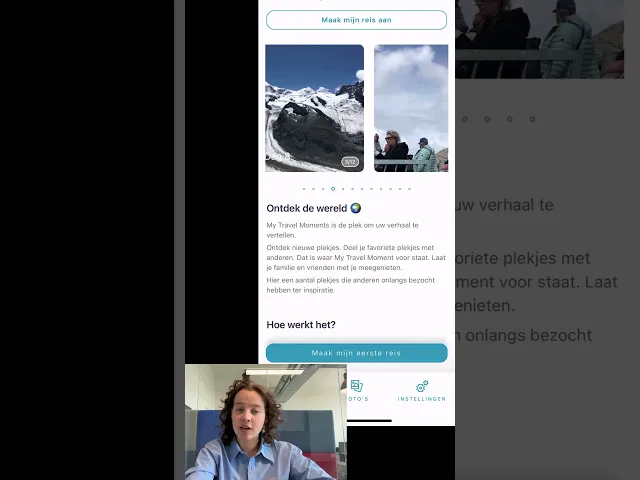
Hoe werk 'My Travel Moments'?
In deze korte video laat ik je de functionaliteiten van de My Travel Moments app zien.
Wat is een 'moment' en hoe voeg je deze toe?
In deze video laat ik je zien wat een 'moment' is en hoe je deze kan toevoegen in de app.
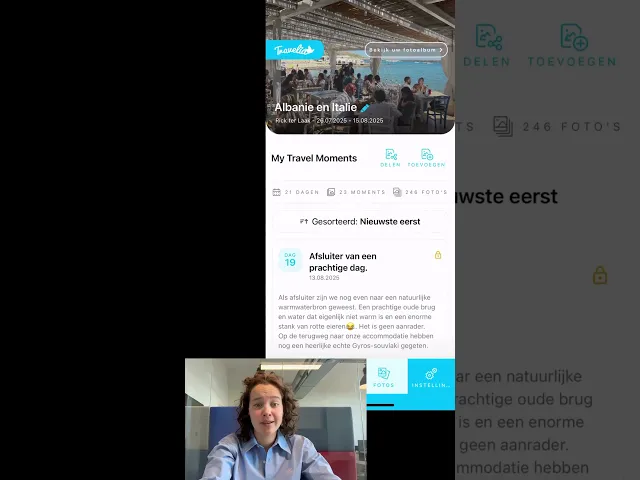
My Travel Moments delen met vrienden en familie
Bekijk de video hoe je de link van jouw My Travel Moments privé kunt delen met familie en vrienden.
Waarom kan ik geen foto's toevoegen?
Heb je een probleem met het toevoegen van foto's in My Travel Moments? In deze video laat ik je de oplossing zien.
Hoe kan ik een 'moment' verwijderen?
Bekijk de video om te zien hoe je een moment in My Travel Moments kan verwijderen.
Hoe kan ik een 'Travel Moment ' wijzigen?
In deze video laat ik je zien hoe je een aangemaakt Travel Moment kan wijzigen.
Voor wie is 'My Travel Moments' zichtbaar?
Je kan zelf instellen wie je Travel Moments kunnen zien: privé, vrienden/familie of openbaar. In deze video leg ik het uit.
Integrations
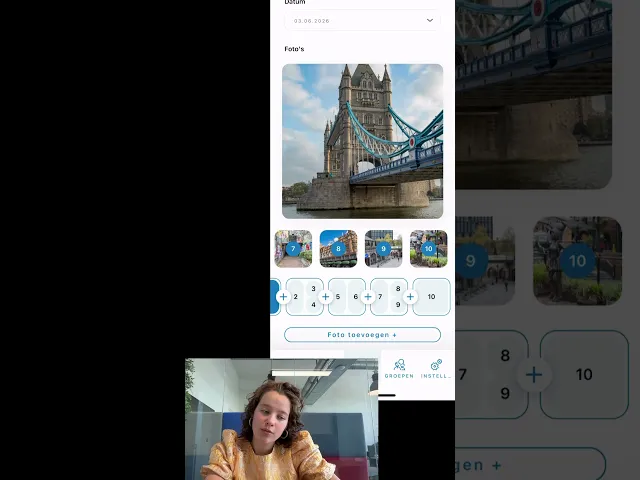
Who are we collaborating with?
Due to the many collaborations, there are many services available in the app. Watch the video to see which collaborations are integrated into the Travelia app.
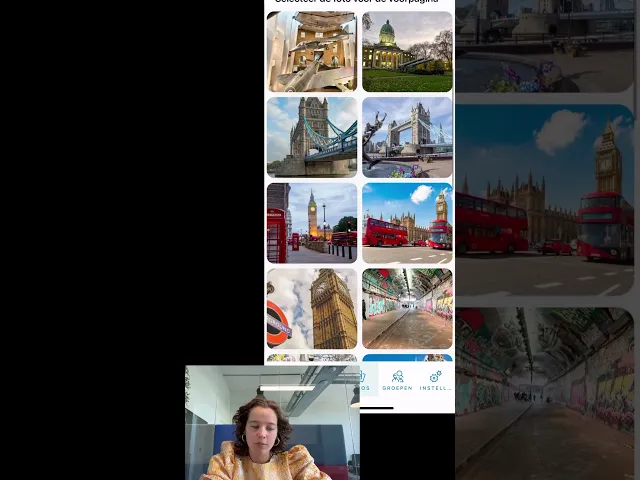
Collecting reviews TravelTrustit
We will show you how to collect business and accommodation reviews through the app.
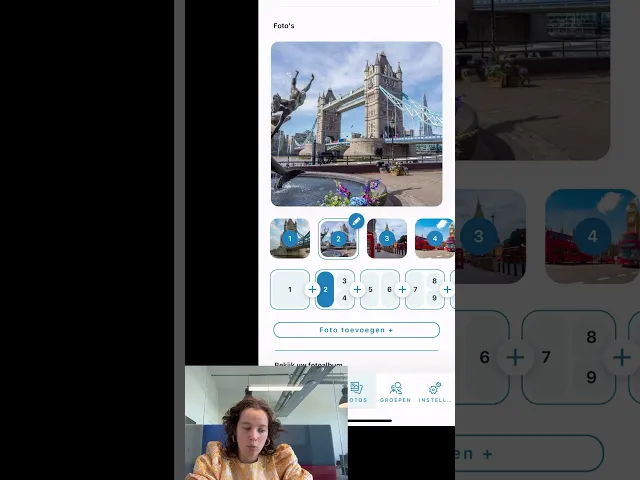
Nextory in the Travelia app
No heavy books to take on your trip and unlimited listening? Check out the possibilities with Nextory in the app in the video.
Bas from Fadiro
Are you collaborating with BAS from Fadiro and is all the travel information or travel documents not displaying correctly in the app?


