



Travelia Partner Support
Discover step by step how to get the most out of the Travelia app. From inviting your client to sending push notifications and creating knowledge items. In these short videos, we explain it simply. Choose a category and view the explanation you need right away.
Are you a new partner?
In this video, we will show you step by step all phases, from a new partner to the app going live.
Functionalities
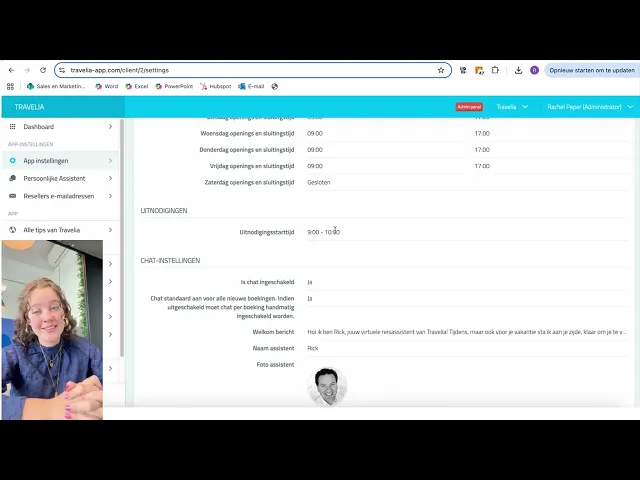
Invite your customer
When does your customer receive an invitation to download the app? In this video, we show you how to set your preferred time for sending.

Add extra passengers
If an additional traveler wants to log in to the app with their own email address, you can add them manually. We show it in the video.
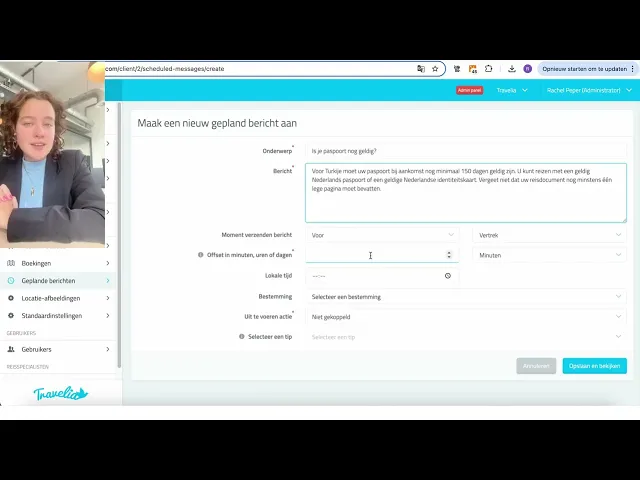
Schedule messages
It is possible to send automated messages to your customer. For example, about the validity of travel documents or required vaccinations. In the video, you will see how to create and set up a push notification.

Travel specialist information
Add a photo, contact details, and opening hours. Watch the video to see how to enter and modify the travel specialist's information.

Add accommodation
You can add an accommodation yourself in the CMS (if your system is not linked), so your customer has all the information complete in their timeline in the app.
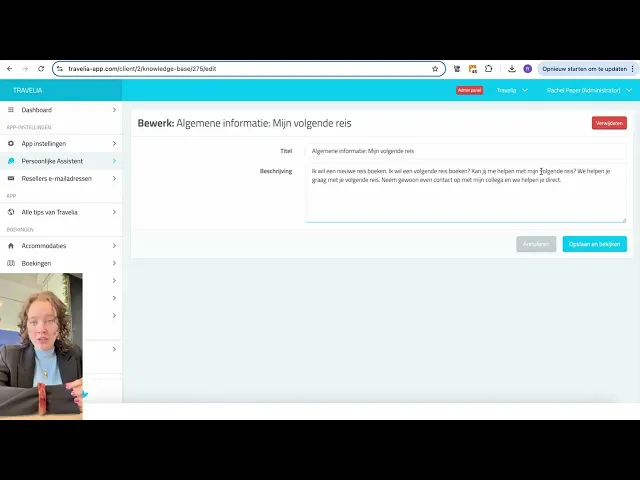
Create knowledge item
It is possible to provide your own knowledge items to the Virtuepe assistant. In this video, we will show you how this works.

Set Tone of Voice
How do you personalize the Virtual Assistant regarding the Tone of Voice and the special prompt rules? Do you want the Virtual Assistant to address your customer formally or informally? Speak business-like or rather casual? Watch the video.

Add URLs and documents to the Virtual assistant
How do you add URLs and documents to the Virtual Assistant to make it even smarter? In this video, we show you how it works.
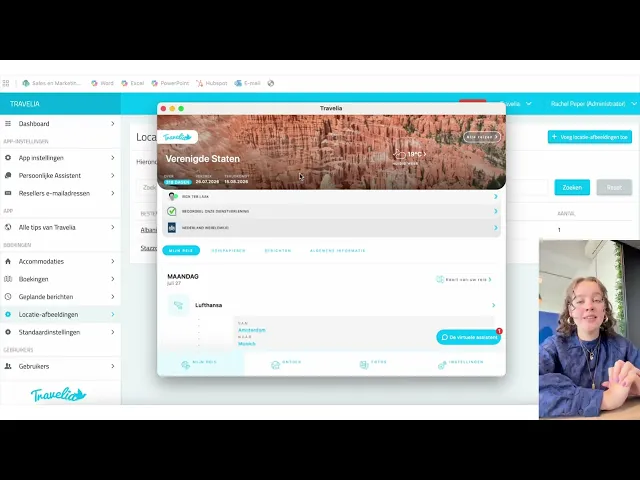
Add location images
Want to provide an extra experience? Add location images in the CMS. It is possible to show a specific photo for each trip or destination in the app.

Create a sight or must-see as a tip
At "Discover" in the app, your customer receives fun tips about what to do in that area.

Resetting 2FA for logging in
Are you having trouble logging in and want to reset the 2FA for an employee? Then check out this video.
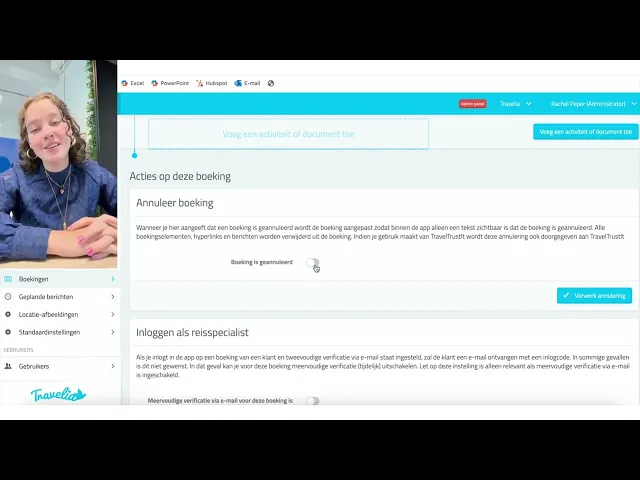
Canceling a booking in the app
Watch the instructional video on how to cancel a booking in the app.

Manually send your customer a new invitation
Do you want to send your customer another invitation to log in to the app?
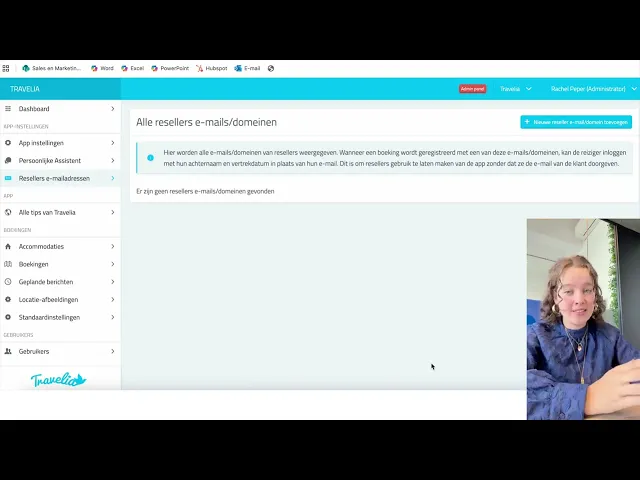
Reseller email addresses
What is a reseller email address and how do you enter it? Watch this in the video.
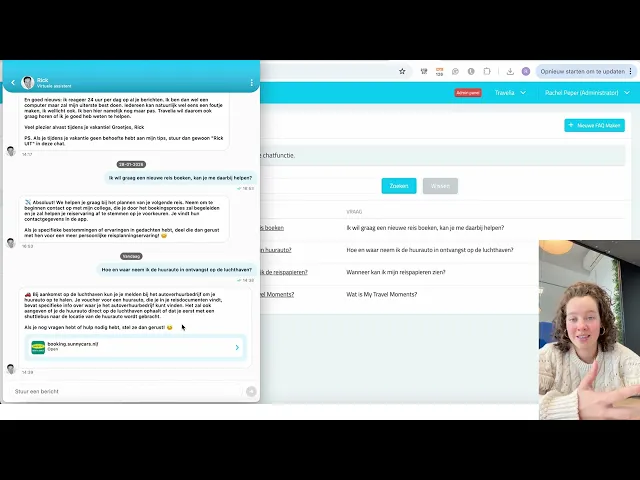
Create Chat FAQs in the CMS
Questions frequently asked by your customers can be created as a Chat FAQ, so app users can click them directly. In this video, I will explain what chat FAQs are and how to create them in the CMS.
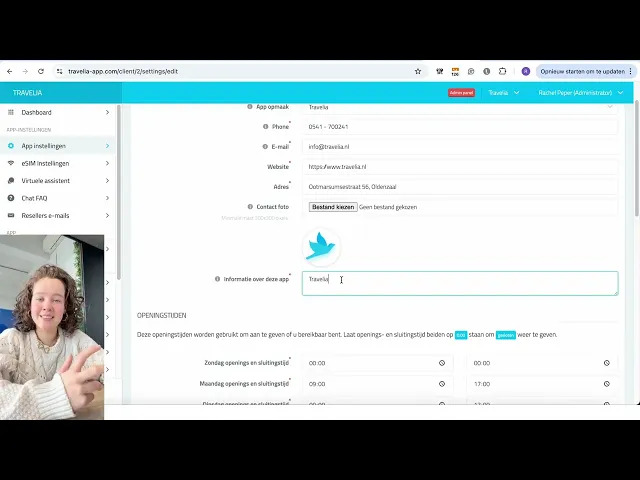
How do I edit the app settings?
Do you want to adjust the app settings? Watch the video on how to change them.

Create an extra user for the CMS
Would you like to work in the CMS with multiple colleagues, for example to create tips together? Then you can create an additional user in the CMS.
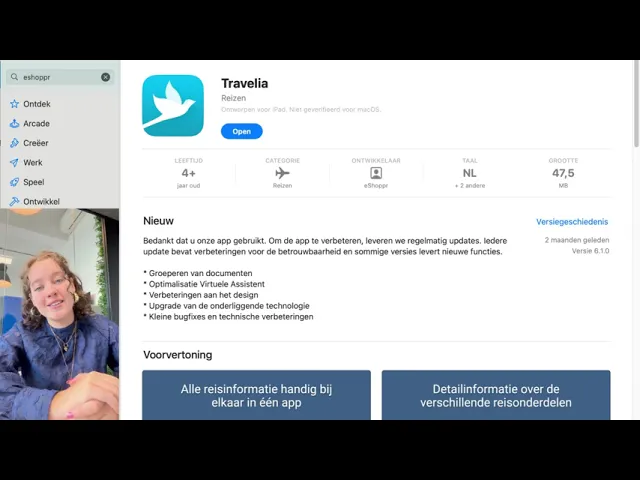
Can I download the app abroad?
Do you want to adjust the app settings? Watch the video on how to change them.
Integrations

Who are we collaborating with?
Due to the many collaborations, there are many services available in the app. Watch the video to see which collaborations are integrated into the Travelia app.

Global internet for your customers with Hubby eSIM
Travelers can use Hubby via the app. This video explains how this works, where you need to go for support, and the CMS settings for this.
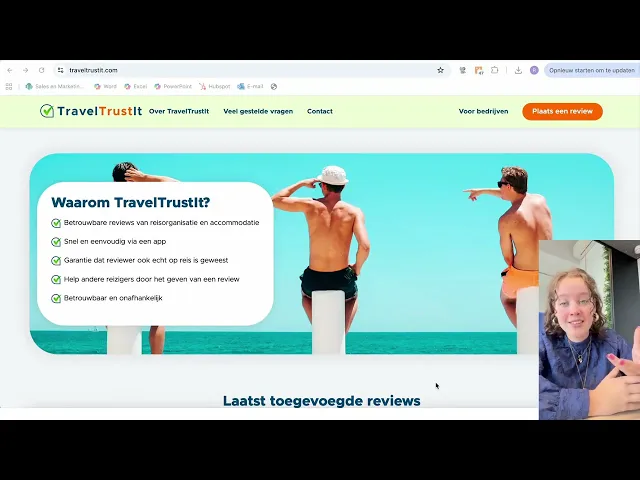
Collecting reviews TravelTrustit
We will show you how to collect business and accommodation reviews via the app
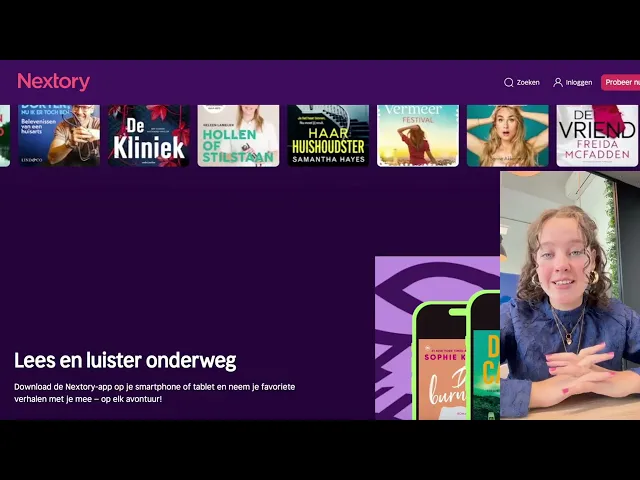
Nextory in the Travelia app
No heavy books to take on your trip and unlimited listening? Check out the possibilities with Nextory in the app in the video.

Bas from Fadiro
Are you collaborating with BAS from Fadiro and is all the travel information or travel documents not displaying correctly in the app?


